
Most small business owners assume website chat widgets are complicated, expensive, or built for enterprise companies with dedicated IT teams. That assumption is costing them leads every single day. A website chat widget is simply the visitor-facing chat interface embedded on your site that lets visitors start real-time conversations with your team or an AI chatbot. It sits quietly in the corner of your page until a visitor needs help. And when they do, it’s the difference between a sale and a bounce.
Table of Contents
- What is a website chat widget and how does it work
- Key benefits of chat widgets for small businesses
- Different types of chat widgets: live agent, AI chatbot, or hybrid
- How to add a chat widget to your website: practical steps
- Enhancing customer experience with chat widgets: tips and best practices
- Why most small businesses miss out on the true potential of chat widgets
- Get a fast, modern website with integrated chat widgets
- Frequently asked questions
Key Takeaways
| Point | Details |
|---|---|
| What is a chat widget | A chat widget is an embedded chat interface on your website connecting visitors to your team or AI in real time. |
| Benefits for small businesses | Chat widgets improve customer engagement, capture leads, and boost conversions by enabling instant communication. |
| Types of chat support | Options include live human agents, AI chatbots, or hybrid models combining both for best coverage. |
| Implementation essentials | Adding a widget typically involves embedding a JavaScript snippet and ensuring your website supports custom code. |
| Maximize effectiveness | Use pre-chat forms, conversation history, and proactive triggers for a smooth user experience and higher impact. |
What is a website chat widget and how does it work
At its core, a website chat widget is a front-end user interface element embedded directly on your web pages. Think of it as a small, interactive window that lives on your site. The most common pattern is a floating chat icon, usually in the bottom right corner, that expands into a full chat window when clicked.
When a visitor opens that window, they’re not just typing into a text box. Behind the scenes, a lot is happening. As getstream.io explains, the widget is the visitor-facing interface that connects people to your team or an AI chatbot in real time. The widget itself is just what the visitor sees. The real work happens in the backend.

Technically, chat widgets connect to a backend messaging service or API that handles delivering messages and keeping conversation state in sync across devices and sessions. That means if a visitor starts a chat on their phone and picks it up later on a laptop, the conversation history is still there.
Here is what a typical website chat widget includes under the hood:
- Floating launcher button — the icon that triggers the chat window to open
- Chat window UI — the actual message interface where conversations happen
- Pre-chat form — an optional form that collects visitor name, email, or question before the chat starts
- Backend messaging API — handles message delivery, storage, and session management
- Agent or bot routing — directs the conversation to a live agent or AI chatbot based on your settings
- Notification system — alerts your team when a new message comes in
You can build fast modern websites that convert with a chat widget already configured, or you can add one to an existing site. Either way, the technical foundation is the same.
Key benefits of chat widgets for small businesses
Understanding the benefits helps to appreciate why implementing a chat widget is worthwhile. The most obvious one is speed. When a visitor has a question, they want an answer now. Not in 24 hours via email. A chat widget gives them that instant connection.
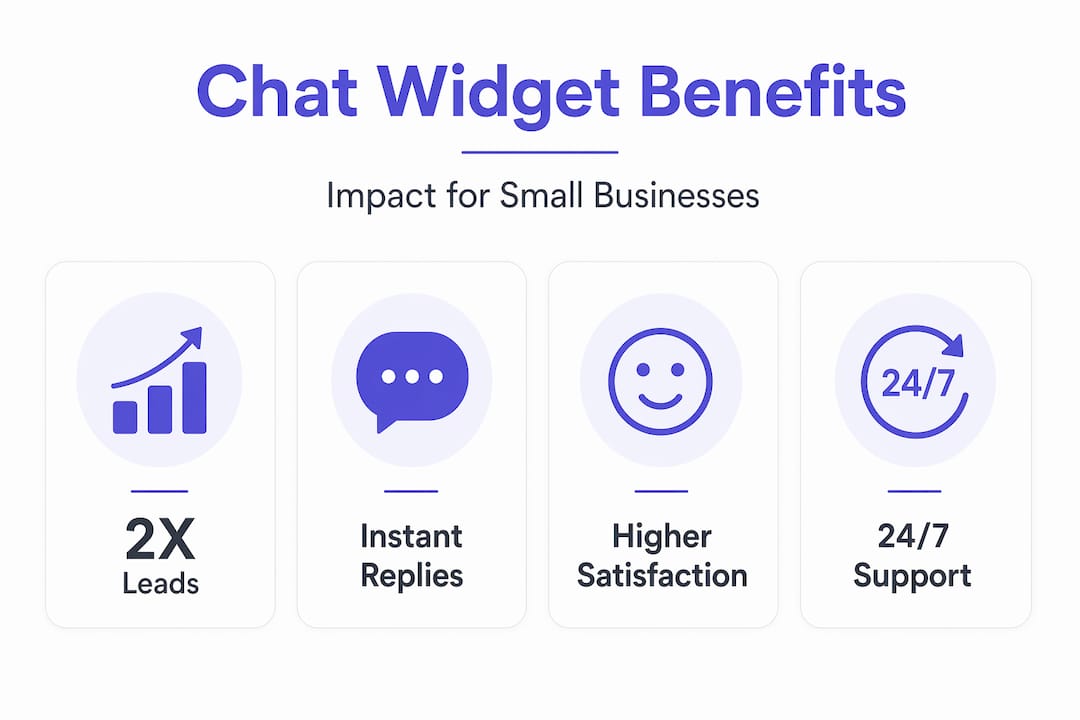
As DocsBot AI notes, an online chat widget transforms passive website browsing into an engaging conversation, instantly connecting potential customers to your business. That shift from passive to active is significant. A visitor who is browsing is easy to lose. A visitor who is chatting is already invested.
Here are the core benefits of chat widgets for small businesses:
- Keeps visitors on your site longer by giving them a reason to stay and engage
- Reduces bounce rates by resolving confusion or hesitation before visitors leave
- Captures leads directly through pre-chat forms that collect name and email before the conversation starts
- Works 24/7 when paired with an AI chatbot, so you never miss an inquiry outside business hours
- Improves conversion rates by answering purchase-blocking questions in real time
- Integrates with your existing tools so messages land where your team already works
On that last point, Social Intents makes a strong case: a chat widget becomes a low-friction entry point delivering messages directly into the channel your team already monitors, whether that is Slack, Microsoft Teams, or another platform. Your team does not need to learn a new tool. The chat comes to them.
When you improve user engagement on your site, you are not just making visitors happier. You are directly impacting how many of them become paying customers.
Pro Tip: Add a pre-chat form that asks one simple question, like “What can we help you with today?” This routes conversations faster and gives your team context before they even say hello.
Different types of chat widgets: live agent, AI chatbot, or hybrid
Not all chat widgets work the same way. The biggest difference is who, or what, is on the other end of the conversation. You have three main options, and each one fits a different business situation.
DocsBot AI confirms that chat widgets can support live human support, AI-automated responses, or a combination, where AI handles routine questions while escalating complex issues to humans.
Here is a quick comparison to help you decide:
| Type | Best for | Availability | Cost |
|---|---|---|---|
| Live agent | High-value sales, complex support | Business hours only | Higher (staff time) |
| AI chatbot | FAQs, lead capture, after-hours | 24/7 | Lower (subscription) |
| Hybrid | Most small businesses | 24/7 with human backup | Moderate |
A few things worth knowing about each option:
- Live agents are best when conversations require judgment, empathy, or deal-closing skill. A customer asking about a custom order or a sensitive complaint needs a human.
- AI chatbots handle repetitive questions well. Hours of operation, pricing, return policies, booking links. They never sleep and never get frustrated.
- Hybrid models use AI as the first line of response and hand off to a human when the conversation gets complex. This is the sweet spot for most small businesses.
The advantages of combining AI chatbots and human support are well documented. The key is making the handoff feel natural, not jarring. If a visitor has to repeat themselves when transferred to a human agent, you have already lost some trust.
You want fast modern websites that support whichever chat model fits your business. The widget should match your capacity, not just your ambition.
How to add a chat widget to your website: practical steps
Getting a chat widget live on your site is more straightforward than most people expect. Here is the process broken down into clear steps.
- Choose your chat platform. Select a provider based on whether you need live chat, AI, or hybrid support. Most providers offer a free trial.
- Set up your chat agent or bot. Configure your responses, routing rules, and branding inside the provider’s dashboard.
- Get your embed code. As Voiceflow’s documentation explains, you typically configure and publish the widget, then paste an embed code snippet into your website’s codebase.
- Add the snippet to your site. Paste the JavaScript snippet just before the closing "` tag, or in the custom code section of your website builder.
- Check your website plan. This is a step many skip. Many website builders require a paid plan to add custom JavaScript or HTML, so verify your plan supports this before installing a widget.
- Configure appearance and behavior. Adjust colors, position, greeting messages, and offline behavior to match your brand.
- Test on desktop and mobile. Open the chat on multiple devices and browsers. Make sure it loads correctly and messages come through to your team.
- Monitor and refine. Review incoming conversations weekly. Look for patterns in what visitors are asking and update your bot responses or routing accordingly.
Pro Tip: Ask your developer or website builder support team about lazy-loading the chat widget. This means the full chat UI only loads when a visitor actually clicks the icon, which protects your page load speed significantly.
You can always work with a team that handles fast modern websites setup if the technical side feels like too much to manage alone.
Enhancing customer experience with chat widgets: tips and best practices
Installing the widget is just the beginning. How you configure it determines whether it helps or hurts your customer experience.
Housecall Pro’s documentation highlights a critical point: good chat widgets collect context upfront and persist conversation history, so returning visitors do not have to start over and messages are not lost when offline. That persistence is what separates a frustrating experience from a helpful one.
Here are the best practices that make the biggest difference:
- Use pre-chat forms wisely. Ask for a name and email, but keep it to two fields maximum. More than that and visitors abandon the chat before it starts.
- Set up proactive triggers. Configure the widget to automatically open or send a message after a visitor spends 30 seconds on a specific page, like your pricing page.
- Brand the widget. Match the widget’s colors and font to your website. An off-brand widget looks like an afterthought and reduces trust.
- Write a strong offline message. When your team is unavailable, tell visitors exactly when they can expect a response. “We’ll reply within 2 business hours” is far better than “We’re offline.”
- Ensure smooth AI-to-human handoffs. The human agent should receive the full conversation history before they take over, not just a notification.
- Review chat transcripts regularly. These are a goldmine of information about what your visitors are confused about, what objections they have, and what questions your website is not answering clearly.
Modern websites with chat widgets built with these practices in mind convert at a noticeably higher rate than those where the widget was simply dropped in and forgotten.
Why most small businesses miss out on the true potential of chat widgets
Here is the honest take after working with dozens of small business websites: most owners treat the chat widget as a feature to check off a list. They install it, set a generic greeting, and move on. Then they wonder why it is not moving the needle.
The real issue is that choosing a chat widget is not just a UI decision. It is a decision about your entire backend messaging infrastructure, your team’s workflow, and your customer experience from first click to closed sale. The widget is the tip of the iceberg.
One of the most common technical mistakes is loading the full chat widget UI immediately on page load. Research shows that many small businesses paste a chat widget snippet that loads all UI immediately, harming page load and visitor experience, and that lazy-loading improves this tremendously. A slow-loading page sends visitors away before they ever see your chat icon.
The second mistake is ignoring conversation analytics. Every chat is data. What questions come up repeatedly? Where in the conversation do people drop off? Which pages trigger the most chats? These answers tell you exactly where your website is falling short and where your sales process has gaps.
The third mistake is treating AI and human support as an either/or choice rather than a team. A well-configured hybrid setup means your AI handles 80% of conversations automatically, freeing your team for the 20% that actually need a human. That is a significant efficiency gain for a small team.
Investing in a thoughtful setup, whether that means working with a developer or using a platform that makes configuration easy, leads to a chat experience that feels fast, helpful, and on-brand. That is what turns websites that convert from a goal into a reality.
Get a fast, modern website with integrated chat widgets
If you have been managing a website that is not generating consistent leads or conversations, the problem is often not your product. It is your setup.
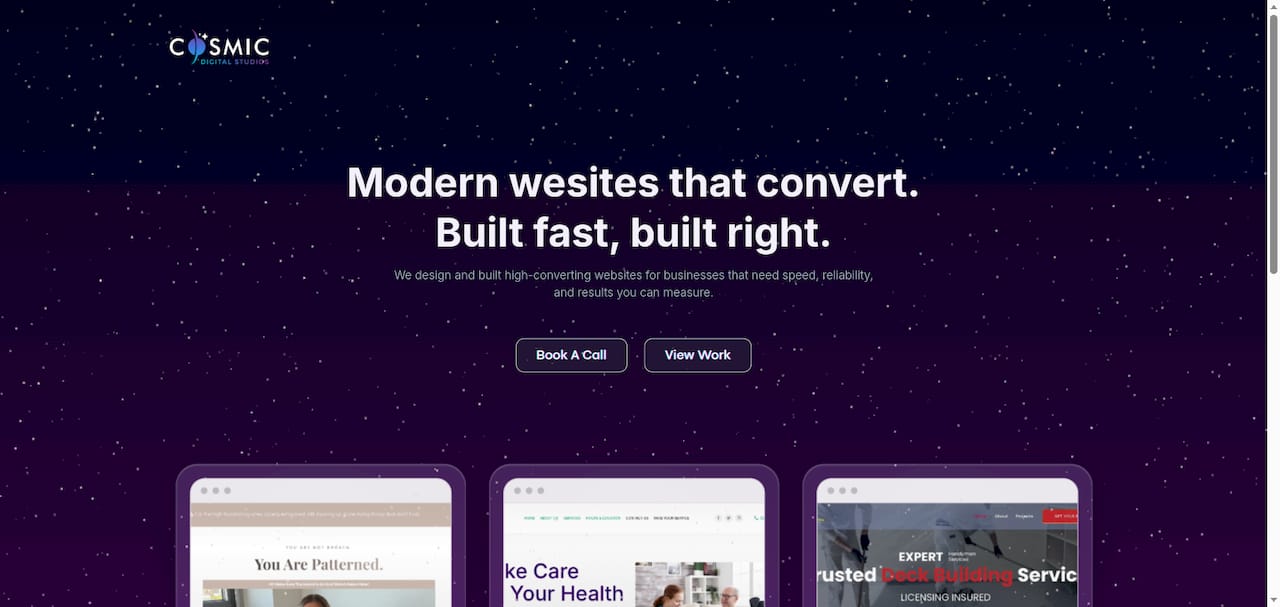
At Cosmic Digital Studios, we build fast modern websites that convert with chat widgets configured from day one, not bolted on as an afterthought. We handle the technical setup, the branding, the AI or live agent routing, and the performance considerations so your site loads fast and your chat actually works. Whether you need a full custom website, a landing page, or a conversion funnel with chat built in, we tailor every build to your business goals. Clean design. Strong messaging. Real results. Let us handle the build so you can focus on the conversations.
Frequently asked questions
What exactly is a website chat widget?
A website chat widget is a visitor-facing chat interface embedded on your site that lets visitors start real-time conversations with your business team or an AI chatbot without leaving the page.
Do I need technical skills to add a chat widget to my site?
Most platforms let you add a chat widget by pasting a JavaScript snippet into your site’s custom code area, but many website builders only allow custom code on paid plans, so check your plan before you start.
Can chat widgets work with both AI bots and live customer agents?
Yes. Many chat widgets support a hybrid model where AI handles routine questions 24/7 and escalates more complex issues to human agents for personalized support.
Will adding a chat widget slow down my website?
It can, if implemented poorly. Better implementations lazy-load the heavy chat UI only after a user clicks or shows intent, which protects your page speed and visitor experience.